

The same concept can be taught through a screen or at a workbench. But the learning experience is not necessarily the same.
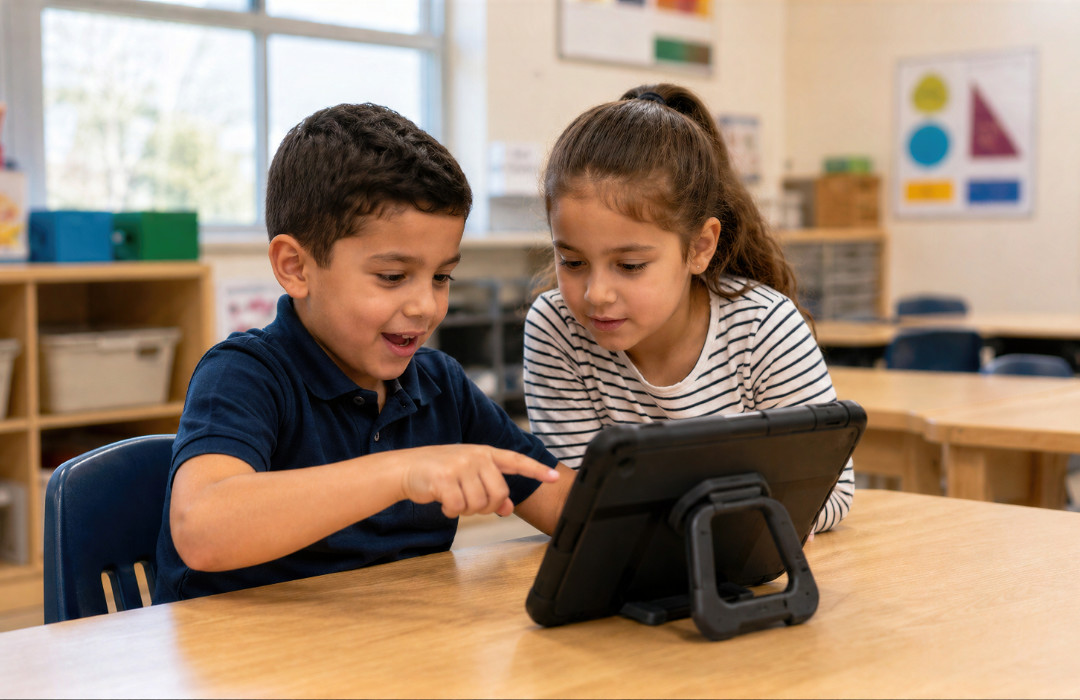
Devices are now part of everyday learning in many classrooms. Students use laptops, tablets, interactive displays, simulations, videos, learning platforms, and digital tools to access information and work through ideas.
At the same time, hands-on learning continues to play an important role through laboratories, building projects, technical activities, experiments, creative work, field experiences, and physical problem-solving.
The conversation is often framed as a choice between the two.
Should students spend less time on devices? Is hands-on learning better? Does technology improve learning or get in the way?
Those questions are understandable, but they can oversimplify the issue.
The impact of devices in classrooms depends greatly on what the technology is being used for, what students are being asked to do, and how that experience compares with other ways of encountering the same concept.
Digital and hands-on learning can both create valuable opportunities. They simply do not always create the same ones.
The more useful question may be:
What does this way of learning ask a student to do, and what might another approach add?
The Impact of Technology In The Classrooms
Devices can change how students access information, interact with content, practice skills, make mistakes, communicate, and move through a learning activity.
A device may allow a student to:
- search for information immediately;
- replay an explanation;
- zoom into an image or model;
- explore an interactive simulation;
- move through material at their own pace;
- test several possible answers;
- revisit something they did not understand;
- collaborate digitally;
- access experiences that would be difficult to recreate physically.
That can make technology extremely useful.
A student studying the solar system cannot physically visit Mars during a science lesson, but a digital environment can allow them to explore a detailed model.
A student learning a complex process may be able to pause an animation, replay one stage, or investigate a particular element more closely.
Digital tools can also make experimentation faster. A student may be able to change a variable, reset a simulation, compare results, and try again within seconds.
But these features also shape the experience.
When a mistake can be undone immediately, the learner is being asked to respond to that mistake differently than they would if something physical had to be repaired, rebuilt, or reconsidered.
That does not make one experience better.
It makes it different.
What Is Hands-On Learning?
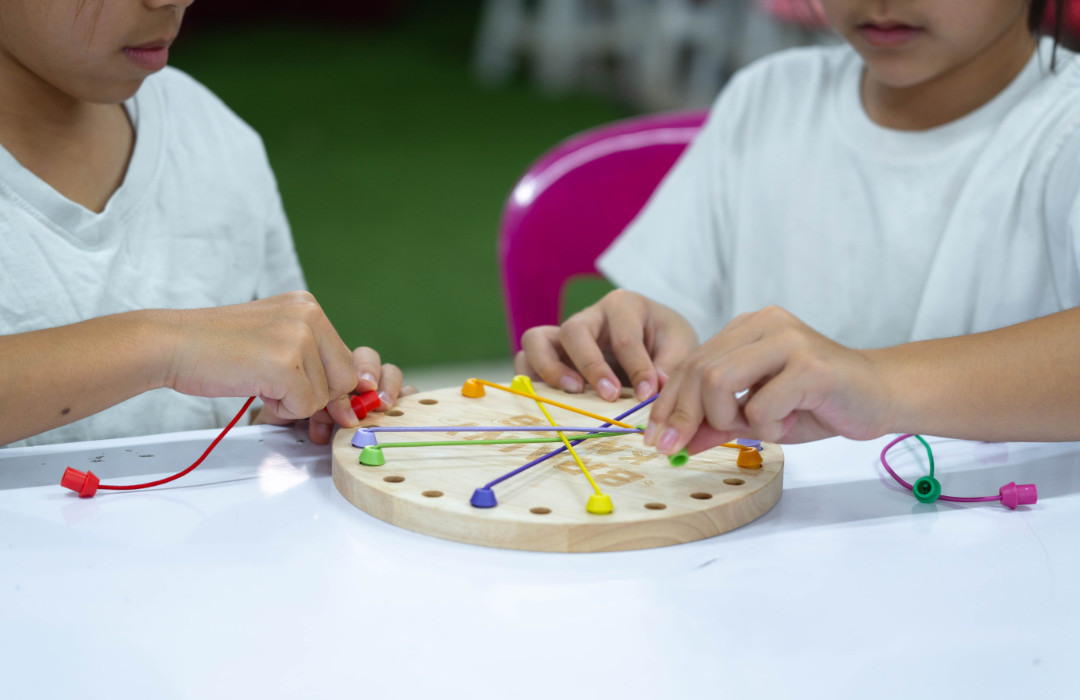
Hands-on learning involves students actively working with physical materials, tools, environments, experiments, or real-world tasks rather than encountering a concept only through explanation or digital representation.
It might involve building a model, conducting an experiment, repairing something, growing a plant, using technical equipment, creating an object, cooking, measuring, assembling, drawing, performing, or solving a practical problem.
Hands-on learning can make abstract ideas tangible.
A student might understand the idea of balance on a screen, for example, but building a structure introduces physical realities.
Materials bend.
Pieces slip.
Measurements are not always exact.
A structure that looks stable in a drawing may behave very differently once it exists in the real world.
Students may need to change their plan, ask for help, work with someone else, explain what went wrong, or try a completely different approach.
The concept may be the same.
What the learner is being asked to do with that concept has changed.

What Do Hands-On Learning Experiences Ask Students to Do Differently?
Hands-on learning can introduce constraints and consequences that are difficult to reproduce in exactly the same way on a screen.
A mistake in a digital activity may require clicking “undo.”
A mistake in a physical project may mean working out how to repair it.
A digital model may behave according to predetermined rules.
Physical materials may introduce unexpected variables.
A student working independently on a tablet may be able to solve a problem without speaking to anyone else.
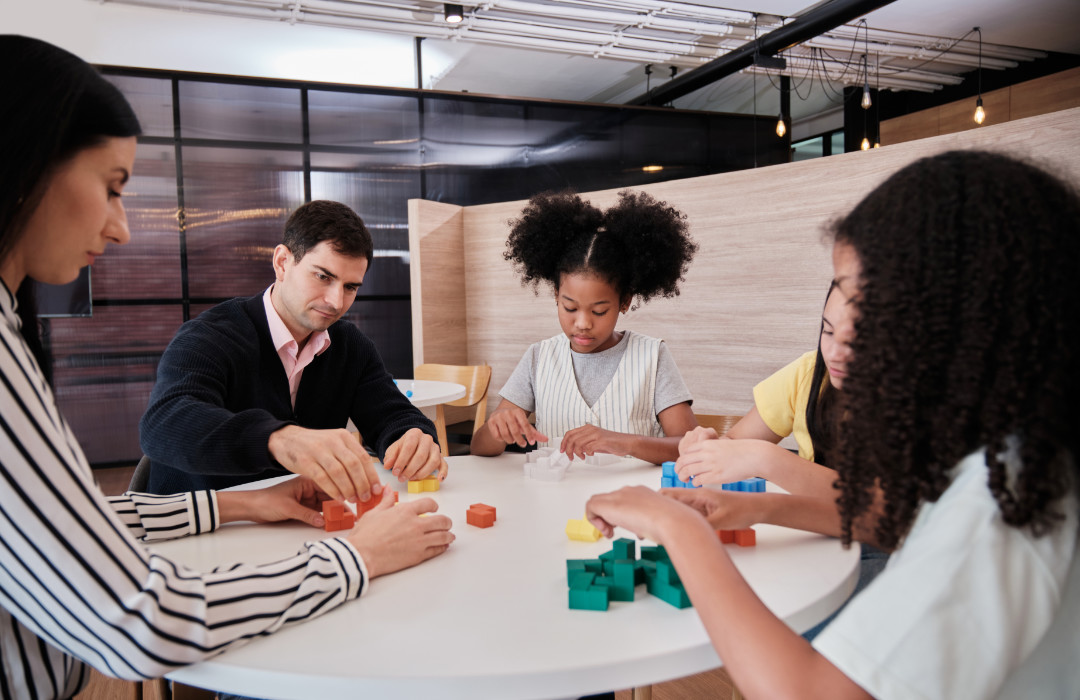
A physical group activity may require negotiation, communication, shared decisions, and coordinating different tasks.
Again, these are not universal rules.
A digital activity can be deeply collaborative, while a hands-on activity can be highly individual. A poorly designed practical exercise can be just as passive as a poorly designed digital one.
The important point is that the method itself changes some of the conditions surrounding the learning.
Digital Devices vs. Hands-On Learning: Is One Better?
Neither devices nor hands-on learning are automatically better. Their value depends on the learning objective, the design of the activity, the context, and what students need to do with what they are learning.
The comparison becomes more useful when we look at what each approach can make possible.
Devices can make it easier to
- Access information immediately
- Replay and revisit explanations
- Explore simulations and digital models
- Change variables quickly
- Work independently at an individual pace
- Reset and repeat activities easily
- Experience situations difficult to reproduce in a classroom
- Move quickly between different resources
Hands-on experiences can make it easier to
- Interact directly with physical materials
- Build, test, adjust, and repair
- Encounter real-world physical constraints
- Respond to unexpected physical results
- Coordinate physical tasks with others
- Work through mistakes that cannot simply be reset
- Make abstract concepts physically tangible
- Stay with one physical problem for longer
These differences should not be treated as rigid categories.
Technology can support practical problem-solving. Hands-on learning can incorporate devices. Some of the strongest learning activities may combine both.
The point is not to decide that screens belong on one side and physical learning on the other.
It is to recognize that different methods create different conditions for learning.
Can Educational Technology and Hands-On Learning Be Used Together?
Yes. Digital and hands-on learning do not have to compete for space in the classroom.
They can complement each other.
A student might explore a concept through a digital simulation before testing it physically.
They might build something first and then use technology to measure, analyze, document, or improve it.
A class might watch a demonstration that would be unsafe or impossible to reproduce, then apply the underlying principle through a hands-on activity.
Students could research possible solutions online and then test those ideas using physical materials.
The question becomes less about choosing between technology and hands-on learning and more about using each method where it adds something meaningful.
The Same Student Responds Differently to Each Learning Experience?
A student’s response to one learning method does not necessarily tell us how they will respond to every future activity.
One student may respond well when technology allows them to explore independently, move at their own pace, and investigate an idea in different directions.
That same student may respond very differently when asked to work with physical materials, explain their thinking aloud, collaborate with a group, or solve a problem without an immediate reset option.
Another student may have a completely different experience.
But this does not mean one person is a “digital learner” and another is a “hands-on learner.”
The same individual may respond differently depending on:
A student who enjoys building in one context may prefer a digital explanation in another.
That is why a single learning experience should not become a permanent conclusion about how someone learns best.
- the subject;
- the activity;
- the level of difficulty;
- previous knowledge;
- the people around them;
- the environment;
- the purpose of the activity;
- the particular concept being explored.
Another student may have a completely different experience.
But this does not mean one person is a “digital learner” and another is a “hands-on learner.”
The same individual may respond differently depending on:
A student who enjoys building in one context may prefer a digital explanation in another.
That is why a single learning experience should not become a permanent conclusion about how someone learns best.
Can the Way a Subject Is Taught Change How a Student Responds to It?
Yes it can.
Consider a student who struggles with a subject when it is presented almost entirely through theory.
They may begin to conclude that the subject is not for them.
Encounter the same idea through an applied activity where they can build something, test a solution, see a concept operating in practice, or solve a real problem, and their response may be different.
The subject has not suddenly changed.
The student has not suddenly become more capable.
What has changed is the way they encountered the subject.
The reverse can also happen.
A student who becomes frustrated during an open-ended physical project may respond more positively when they first encounter the idea through a clear explanation, structured example, visual model, or digital simulation.
Different approaches can give students different ways into the same concept.
That is one reason the method of learning should not be treated simply as a delivery decision.
It becomes part of the experience itself.
What Can Learning Outcomes Tell Us, and What Can They Miss?
Learning outcomes give educators important information, but they do not necessarily explain the experience that produced them.
Two students can complete the same lesson, submit the same assignment, and earn the same grade while having very different experiences getting there.
One student may have understood the concept immediately.
Another may have needed several attempts.
One may have worked almost entirely independently.
Another may have understood the concept only after talking it through with someone else.
One may have completed the task successfully but found little about the activity interesting.
Another may have left with new questions they wanted to investigate.
From the final grade alone, those differences may be invisible.
Attendance, completion, assessments, credentials, and other measures all tell us something important.
But they answer different questions.
They may tell us whether someone was there.
Whether they finished.
Whether they reached a required standard.
Whether they remembered particular information.
They do not necessarily tell us what stood out to that person, which parts they found difficult, how they approached the task, or how their response differed from somebody else completing the same activity.
That does not make outcome data less useful.
It means outcomes are only one part of the picture.
The Debate About Screen Time Can Be Too Narrow
Screen time is an understandable concern, but the number of minutes spent using a device does not tell us everything about what was happening during those minutes.
Thirty minutes spent passively moving through content is very different from thirty minutes using a simulation to test ideas.
Thirty minutes watching a video is different from thirty minutes researching possible solutions to a problem.
And thirty minutes building something physically can also vary enormously depending on whether students are experimenting, following step-by-step instructions, solving a problem, or simply reproducing an example.
The medium matters.
But so does the activity taking place within it.
Instead of asking only:
How much time are students spending on screens?
It may also be useful to ask:
What are students doing during that time?
Why is the device being used?
What does it make possible?
Would another method add something that the device cannot?
Those questions lead to a more useful conversation about the role technology should play in learning.
How Can Educators Balance Devices and Hands-On Learning?
Educators can balance devices and hands-on learning by choosing the method according to the purpose of the learning rather than automatically defaulting to either technology or physical activity.
Useful questions include:
- What is the learning objective?
- What are students actually being asked to understand, practice, or apply?
- What does the device make possible that another method may not?
- What would a physical experience add?
- Does the activity require experimentation, collaboration, explanation, creation, or problem-solving?
- What happens when students make mistakes?
- Are students actively using information or primarily consuming it?
- Would encountering the concept through more than one format add useful context?
- Is technology being chosen because it improves the activity or simply because it is available?
- Is a hands-on activity being used because it adds something meaningful or simply because practical learning is assumed to be better?
There is no single correct balance for every classroom.
A coding lesson will use technology differently from a woodworking lesson.
A science simulation may serve a different purpose from a laboratory experiment.
A digital design project and a physical prototype may be two stages of the same learning process.
The aim is not balance for the sake of balance.
It is choosing experiences intentionally.

Learning Experience Matters
How students encounter an idea can influence what they are asked to notice, practice, explain, test, create, and work through.
A tablet can open a world.
So can a laboratory bench.
A machine shop.
A musical instrument.
A garden.
A conversation.
A sheet of paper.
A box of LEGO.
Each can create different possibilities and different constraints.
And different people may respond differently to those experiences.
We already pay close attention to what learning produces.
It is also worth paying attention to how students experience the process of getting there.
For organizations that want a more structured way to explore that perspective, Vzable gives learners an opportunity to reflect on specific learning experiences and makes those responses easier to understand in context.
But the broader question matters regardless of the tools being used:
What was this learning experience actually like for the person taking part?
In Short
The impact of device use in classrooms cannot be reduced to whether technology is good or bad for learning.
Electronic devices can provide immediate access to information, simulations, flexible practice, digital collaboration, and experiences that may be difficult to recreate physically.
Hands-on learning can introduce physical constraints, experimentation, practical problem-solving, collaboration, and the need to work through mistakes differently.
Neither approach is inherently superior.
The better question is what the learning objective requires, what each method contributes, and what students are actually being asked to do.
The same concept can be taught in more than one way.
The experience of learning it may be very different.
Frequently Asked Questions
Are devices bad for students in classrooms?
Devices are not inherently good or bad for learning. Their impact depends on how they are used, why they are being used, and what students are being asked to do. A device can support exploration, practice, research, collaboration, or simulation, but it can also add little value when technology is used without a clear learning purpose.
Is hands-on learning better than digital learning?
Not necessarily. Hands-on learning and digital learning create different opportunities. A physical activity may make a concept tangible or introduce real-world constraints, while a digital tool may make it possible to simulate, visualize, repeat, or explore something that cannot easily be recreated physically.
What are the benefits of hands-on learning?
Hands-on learning can give students opportunities to work directly with materials, test ideas, solve physical problems, adjust their approach, collaborate, and experience how concepts operate outside a purely theoretical environment.
What are the benefits of using devices in classrooms?
Devices can give students quick access to information, allow them to replay or revisit material, support simulations and visualization, enable independent exploration, facilitate collaboration, and provide access to learning experiences that may otherwise be difficult to offer.
Can technology and hands-on learning be combined?
Yes. Technology and hands-on learning can complement one another. Students might use a simulation before completing a physical experiment, research ideas before building a prototype, or use digital tools to analyze and document the results of a hands-on activity.
How should educators choose between digital and hands-on learning?
The choice should begin with the learning objective. Educators can consider what students need to understand or do, what each method makes possible, what constraints it introduces, and whether combining different approaches could create a richer learning experience.


